Gaming Laptop Mockup 52: The Ideal Design Presentation Tool
When you’ve spent hours crafting a perfect design for a website, app, or branding project, presenting it can be surprisingly tricky. A flat screenshot on a plain background often fails to capture the real-world impact of your work. That’s where a specialized tool like Gaming Laptop Mockup 52 comes into play.
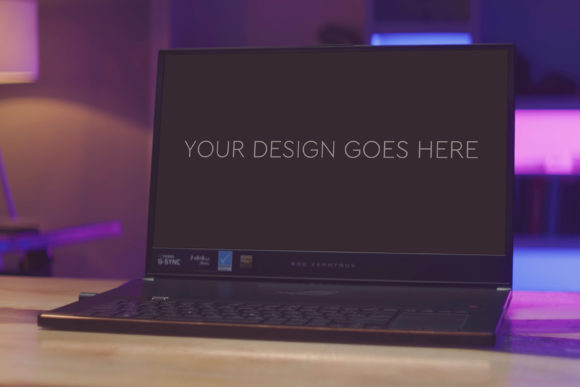
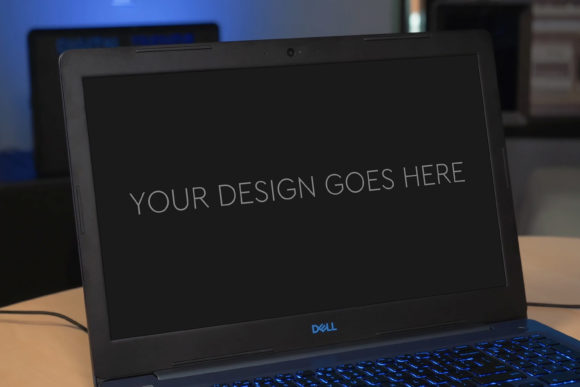
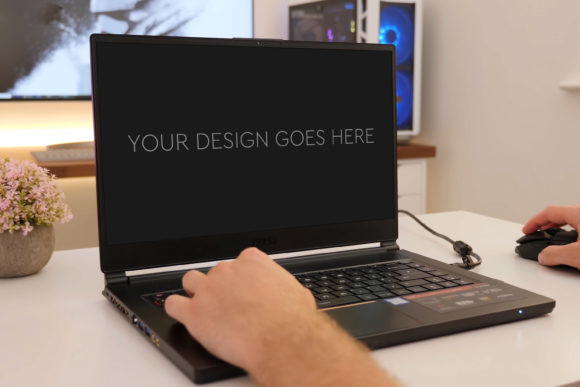
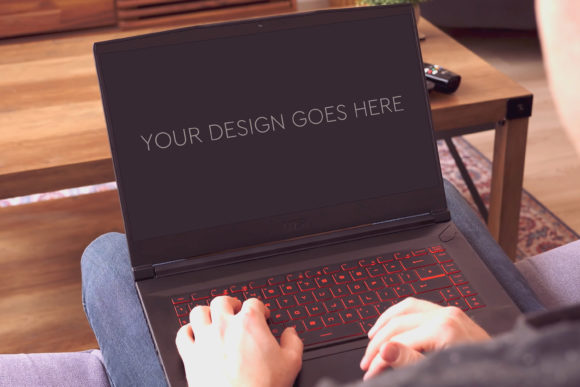
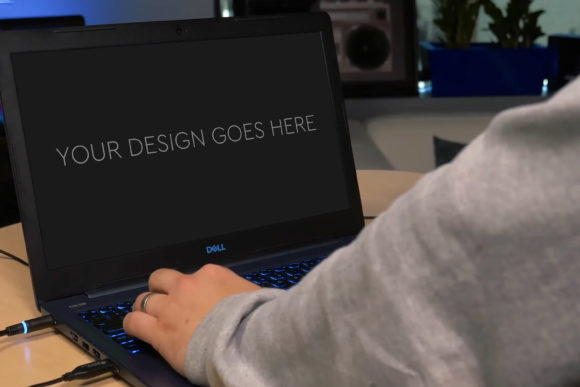
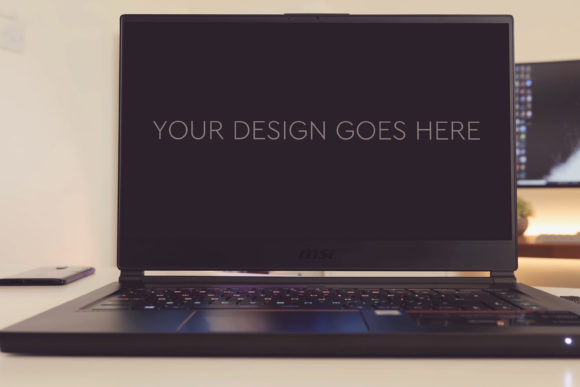
In practical terms, Gaming Laptop Mockup 52 is a ready-to-use, high-resolution Photoshop file. It’s designed to be a backdrop for your digital creations, allowing you to place your design onto the screen of a stylish gaming laptop in a realistic environment. This transforms your static image into a vibrant, contextual visual that feels tangible and professional.
Why Context Matters for Your Designs
Whether you’re a freelancer pitching to a client, a marketer showcasing a new campaign, or a blogger writing a tech review, context elevates your presentation. A design displayed on a device tells a story. It shows how the interface or artwork will actually be viewed and used. Gaming Laptop Mockup 52 provides that context instantly, with a focus on the dynamic, high-performance aesthetic of a gaming laptop.
The value here is multifaceted. First, it saves significant time. Creating a photorealistic scene from scratch, with correct lighting, perspective, and screen reflections, requires advanced photo editing skills. This mock-up handles all that complexity for you. Second, it enhances credibility. A polished presentation suggests a professional finish, helping you stand out in a crowded digital space.
Key Features That Make This Mock-Up Stand Out
Let’s look at what Gaming Laptop Mockup 52 specifically contains. The core is a single Photoshop PSD file, meticulously organized. The layers are grouped logically, making navigation straightforward even for those less familiar with Photoshop’s deeper features. The most user-friendly aspect is the use of a Smart Object for the laptop screen.
A Smart Object is a special layer that preserves an image’s original content. To use this mock-up, you simply double-click the Smart Object layer, paste your design or screenshot into the opened file, save it, and close. Your design automatically appears on the laptop screen, perfectly aligned with the correct perspective, lighting, and even subtle screen effects. It truly is as easy as “pop in your design and everything is automatic.”
Additional benefits include the inclusion of beautiful photo filters. These are preset adjustments within the PSD that allow you to quickly alter the mood, color tone, and lighting of the entire scene to match your brand or project style. With a final size of 3000x2000px at 300dpi, the output is exceptionally high quality, suitable for detailed portfolio images, large blog graphics, or even printed marketing materials.
Real-World Applications for Diverse Users
Who might find Gaming Laptop Mockup 52 useful? The audience is broad because the need for effective visual communication is universal.
- UI/UX Designers & Developers: Showcase app or website interfaces in a realistic setting for client reviews or portfolio entries.
- Digital Marketers & Social Media Managers: Create engaging ads or social posts that feature software products or online services on a relatable device.
- Entrepreneurs & Small Business Owners: Present a prototype of a new business tool or platform on their website or investor pitch decks.
- Educators & Course Creators: Produce compelling visuals for online tutorials about software, gaming, or digital design.
- Bloggers & Tech Reviewers: Illustrate articles about gaming hardware, software updates, or digital trends with professional-looking images.
- Freelancers & Hobbyists: Enhance personal projects or online store listings for digital products like themes, templates, or wallpapers.
The gaming laptop context specifically appeals to projects related to technology, gaming, performance software, and modern digital lifestyles. It conveys a sense of power, sleek design, and cutting-edge use.
Important Considerations Before You Begin
While Gaming Laptop Mockup 52 is designed for ease of use, a few practical points are worth noting. You will need access to Adobe Photoshop to use the PSD file. The Smart Object workflow is intuitive, but a basic familiarity with Photoshop’s layer panel is helpful. Thankfully, the grouped and layered structure is very clean, aiding navigation.
Consider the final use of your image. The high-resolution output (3000x2000px) is ideal for large displays, but you may need to resize it for web use to optimize loading speeds. Also, experiment with the included photo filters. They are a powerful way to customize the mock-up’s ambiance without manual color correction, allowing you to match the visual tone to your brand’s palette or the project’s mood.
From Flat Screenshot to Engaging Visual Story
Ultimately, Gaming Laptop Mockup 52 solves a common creative problem: making digital designs feel real. It bridges the gap between the abstract work of creation and the concrete world of presentation. By providing a high-quality, editable scene where your work can be placed, it empowers you to communicate the value and aesthetics of your project more effectively.
This tool acknowledges that in today’s visual landscape, context is key. A design isn’t just pixels; it’s an experience someone will have on a device. Showing it in that context builds a stronger, more persuasive narrative for your clients, audience, or followers. Whether your goal is to win a project, sell a product, teach a concept, or simply showcase your skills, a professional mock-up like this can be a simple yet transformative step in your process.