Elevate Your Design Presentation with Gaming Laptop Mockup 35
You have created a compelling design for a game interface, a software dashboard, or a dynamic website. The concept is solid, the aesthetics are polished, and the functionality is clear in your mind. Yet, when you present flat screenshots or wireframes to a client, a stakeholder, or your audience, the response can sometimes feel muted. The disconnect isn't about your design's quality; it's about context. A design living within the environment of a powerful gaming laptop tells a different story—one of performance, immersion, and cutting-edge appeal. This is where the practical utility of Gaming Laptop Mockup 35 becomes a vital tool in your creative workflow.
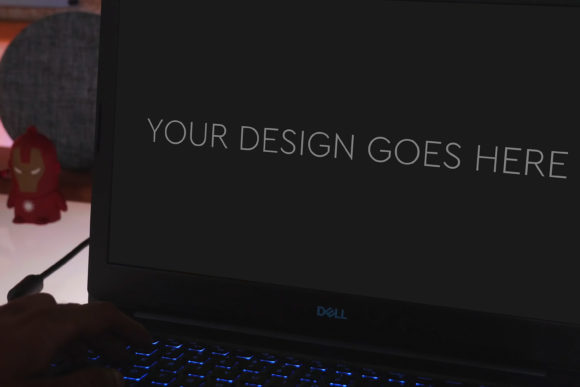
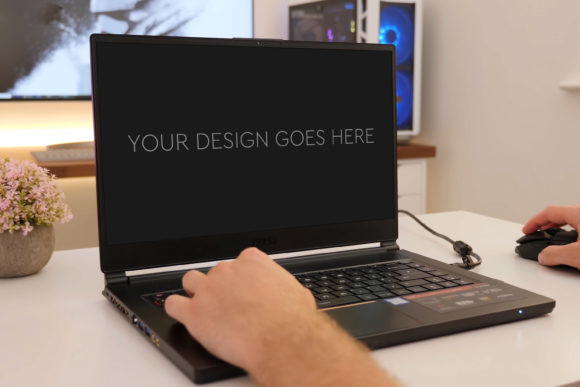
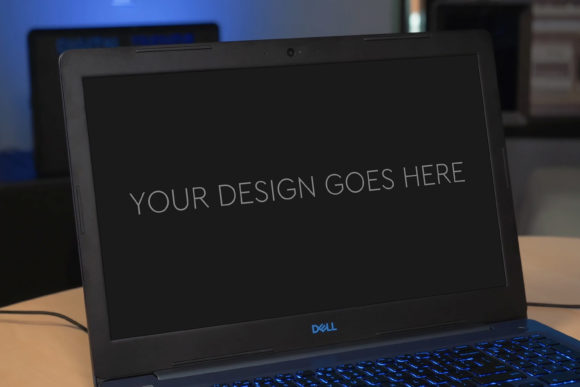
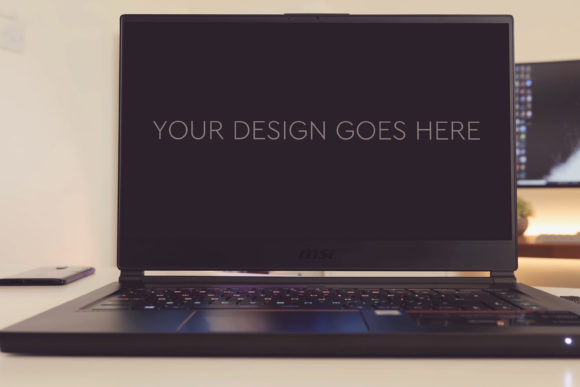
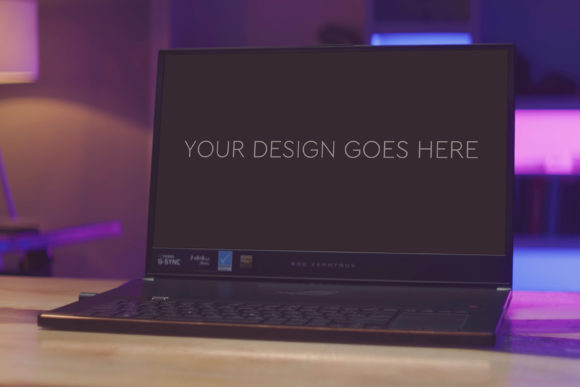
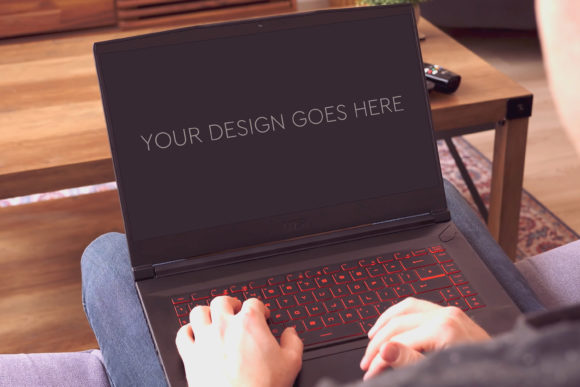
Gaming Laptop Mockup 35 is a meticulously crafted Photoshop file designed to transform your digital designs into photorealistic presentations. The core principle is simplicity: you pop in your design or screenshot, and the mock-up handles the rest automatically. The result is a high-quality, 3000x2000px image at 300dpi that places your work on the screen of a sleek gaming laptop, surrounded by authentic environmental details. This isn't merely about adding a decorative frame; it's about embedding your work into a narrative that resonates with viewers.
Why Context Matters in Design Communication
Presenting a design in its intended context dramatically strengthens communication. For a gaming-related interface, showing it on a device synonymous with high performance immediately cues the viewer into the experience you're designing for. It answers questions before they're asked: How will this look in use? Does it feel modern and technical? This contextual presentation bridges the gap between abstract concept and tangible reality. For professionals, marketers, and entrepreneurs, this bridge is crucial for securing buy-in, attracting users, or validating a design direction. A realistic mock-up can turn a speculative pitch into a convincing proposal.
The Practical Mechanics of Ease and Efficiency
The advertised ease of use is a direct solution to a common pain point: time. Many creators, especially freelancers and small business owners operating under tight deadlines, cannot afford lengthy, complex rendering processes. Gaming Laptop Mockup 35 addresses this through its intelligent file structure. The single PSD file is fully layered and grouped, with the laptop screen area prepared as a Smart Object. This means you don't need advanced Photoshop expertise. You simply double-click the Smart Object layer, paste your design, save, and close. The file automatically updates, applying perspective, screen glow, and ambient lighting to your artwork. The inclusion of beautiful photo filters offers further quick customization, allowing you to adjust mood and tone—from cool, clinical blues to warm, energetic glows—without manual color correction.
Who Benefits Most from This Specific Mock-Up?
While useful for a broad range of creators, Gaming Laptop Mockup 35 holds particular value for certain audiences. UI/UX designers specializing in gaming software, applications, or high-tech platforms will find it indispensable for portfolio pieces and client deliverables. Indie game developers can use it to create compelling promotional art for their store pages or crowdfunding campaigns. Marketers and bloggers reviewing hardware or software can generate eye-catching featured images that boost article credibility and engagement. Educators teaching digital design can provide students with a professional-grade tool to learn presentation best practices. The high-resolution output ensures suitability for both digital platforms and print materials like brochures or conference posters.
The mock-up also supports goals beyond mere presentation. For a solo entrepreneur pitching a new app idea, a polished mock-up can level the playing field, making a prototype look like a near-finished product. For a team communicating internally, it can align stakeholders visually, simplifying decisions about aesthetic direction by providing a common, realistic reference point. It solves the problem of design isolation, where work exists only in sterile artboards, by placing it into a believable world.
Realistic Use Cases and Applications
Consider a freelance web designer presenting a new site concept for a gaming hardware brand. Flat mock-ups might showcase layout, but using Gaming Laptop Mockup 35 to display the homepage on the laptop screen instantly demonstrates how the site would be encountered by the target audience. The reflective screen surface, the subtle keyboard glow in the background—these details sell the experience. Another example: a software developer creating a new streaming utility. A screenshot of the control panel is functional; the same screenshot integrated into this mock-up, shared on social media or a product landing page, speaks of professionalism and readiness.
For portfolio building, this tool is exceptionally practical. A portfolio is a narrative of your capability. Showing your designs contextually tells that narrative more effectively. A gallery of interfaces displayed on various devices, including this gaming laptop, demonstrates your understanding of platform-specific presentation—a thoughtful observation that clients appreciate.
Understanding Its Scope and Fit
While Gaming Laptop Mockup 35 offers significant advantages, its value is strongest when its specific context aligns with your project. It is ideal for digital designs meant to be viewed on a laptop screen, particularly those targeting a tech-savvy, gaming, or performance-oriented audience. If your design is for a mobile app, a billboard, or a print magazine, other mock-ups would be more appropriate. This isn't a limitation but a reminder to choose tools that match your communication goal.
The automated process, though remarkably easy, still requires Adobe Photoshop. Users who work exclusively in other software should factor this in. However, the simplicity of the Smart Object method makes it accessible even for those with only basic Photoshop knowledge. The high-quality output at 300dpi is a key feature, ensuring no loss of detail when the image is scaled or printed, a critical consideration for professionals who demand fidelity.
Moving Beyond Generic Presentation
Ultimately, Gaming Laptop Mockup 35 is more than a template; it's a strategic shortcut to enhanced credibility. In a landscape where visual perception heavily influences judgment, the ability to present your work professionally can impact outcomes—from winning a contract to increasing user conversion. It supports creativity by freeing you from tedious presentation tasks, allowing you to focus on the design itself. The time saved is tangible; a professional mock-up can be generated in minutes rather than hours.
For the hobbyist creating personal projects, it adds a layer of satisfaction and shareable quality. For the publisher needing standout graphics, it provides a reliable, consistent source of images. The benefit is clear: it turns your design effort into a compelling visual story without requiring additional technical or photographic expertise. By simply providing a realistic stage, Gaming Laptop Mockup 35 lets your design perform, communicate, and convince with the authority it deserves.