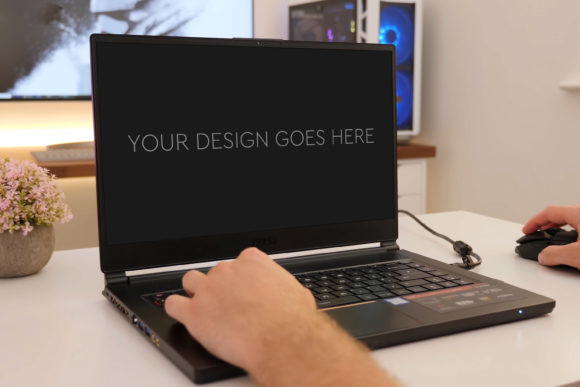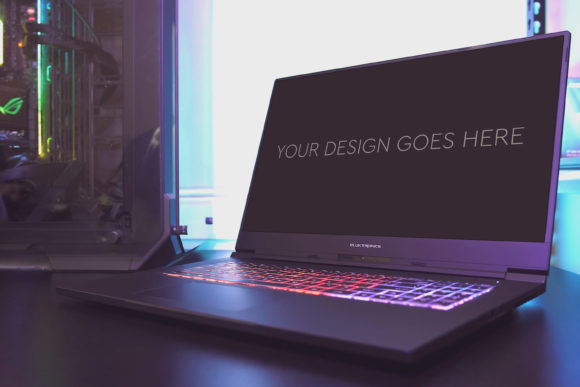
Gaming Laptop Mockup 09: A Designer’s Practical Creative Tool
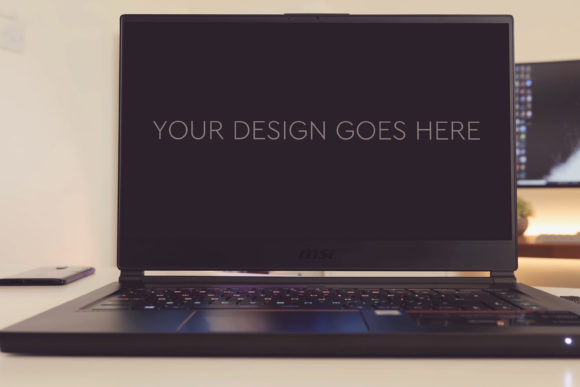
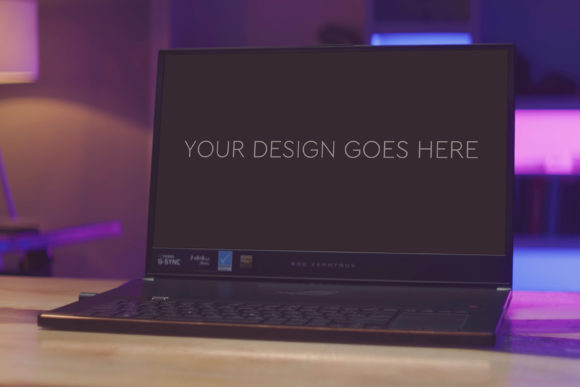
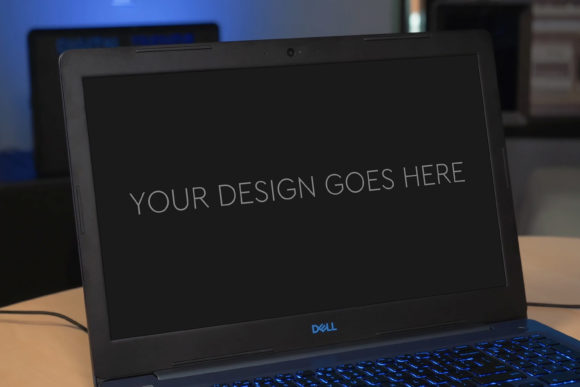
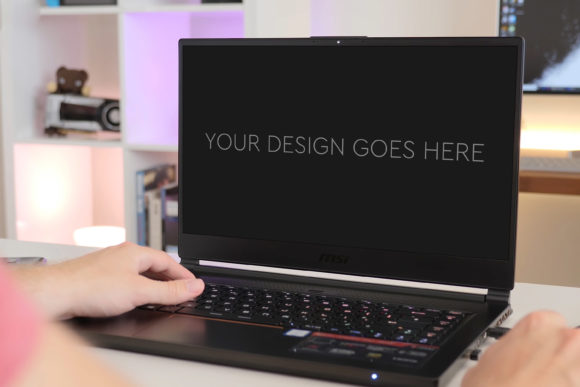
In the world of digital presentation, a static screenshot often fails to convey the energy and context of a finished design. Gaming Laptop Mockup 09 solves this by transforming flat concepts into vivid, tangible scenes. This isn’t just a static image; it’s a fully layered Photoshop PSD file, meticulously crafted at 3000x2000px and 300dpi, ready to bring your interface, app, or web design to life on a high-performance gaming laptop screen. The process is deliberately straightforward: you pop in your design via a Smart Object, and everything adjusts automatically—perspective, lighting, and shadows align perfectly, leaving you to focus on the creative impact.
What Makes This Mock-Up a Standout Creative Asset
Beyond the technical specs, the true value of Gaming Laptop Mockup 09 lies in its authentic context. A gaming laptop implies power, cutting-edge technology, and an audience passionate about immersive experiences. Placing your design within this environment immediately suggests a product that is dynamic, modern, and performance-oriented. The included beautiful photo filters allow for quick tonal adjustments, letting you match the mood of your project—from vibrant and energetic to sleek and professional—without complex editing. The layered and grouped PSD structure means you have full control. You can adjust the laptop’s angle, tweak ambient lighting, or even modify the background if the grouped layers allow, making it a flexible foundation rather than a rigid template.
Creative Applications and Project Ideas
The utility of this mock-up extends far beyond simply showcasing a website. Consider the narrative you can build. For a game developer or UI designer, it’s perfect for presenting a new game interface, launcher software, or in-game store. The context tells a story of where the user will interact with your design. Marketers and bloggers can use it to create compelling content for tech reviews, “best of” lists, or promotional articles, making their featured products look immersive and ready-to-use. Entrepreneurs and small business owners launching a tech service or app can embed their dashboard or login screen into the mock-up for investor decks or campaign landing pages, adding a layer of professional polish that builds credibility.
Adapting the Mock-Up for Different Audiences and Goals
The key to effective use is adapting the output to your specific audience. For a corporate client, you might employ the mock-up’s filters to create a cooler, more minimalist presentation, focusing on clarity and efficiency. For a community of gamers, you might push the vibrancy, using the mock-up to showcase a colorful streaming overlay or Discord bot interface. Educators and trainers creating course materials on software tutorials can place their step-by-step diagrams on the laptop screen, providing learners with a realistic view of the application environment. Freelancers and hobbyists can use it to elevate their portfolio, presenting personal projects with a consistency that speaks to professional skill.
Ensuring Clear and Effective Results
While the mock-up automates the technical integration, your creative input determines the final impact. Always ensure your placed design is high-resolution and legible on the screen. Use the mock-up’s perspective as a guide: the angled view is dynamic, but keep critical text or central call-to-action buttons in the most visible areas. Maintain brand consistency by adjusting the photo filters to complement your color palette—a warm filter for a friendly brand, a stark contrast for a high-tech one. Remember, originality comes from how you pair this asset with your unique content. Avoid simply dropping in a design without consideration; think about the surrounding story the image tells. Is the laptop on a desk with coding notes? Or in a sleek, dark setup for a night-time gaming theme? Your complementary imagery sets the scene.
Practical Inspiration for Ongoing Creativity
View Gaming Laptop Mockup 09 not as a one-off tool, but as a component in a broader creative system. Use it to establish a consistent presentation style across multiple projects. If you are creating a series of promotional images for a software launch, using the same mock-up for each screenshot builds a recognizable and cohesive visual identity. For publishers and content creators, it can serve as a reliable template for regular features, saving time while ensuring quality. The ease of use encourages experimentation: try placing unexpected designs, like a digital art piece or a conceptual UI wireframe, to explore how the tech context alters their perception. This mock-up bridges the gap between a brilliant idea and a persuasive visual, empowering creators to present their work in a context that resonates immediately and deeply with their target viewer.
Ultimately, Gaming Laptop Mockup 09 provides a grounded, practical solution to a common creative challenge: making digital designs feel real. It removes the technical hurdles of perspective and lighting, offering a high-quality canvas that is both easy to use and deeply adaptable. By focusing on the applications, audience adaptation, and strategic presentation, you turn this asset into a powerful conduit for your ideas, allowing your work to shine in a setting that amplifies its intended message. Whether your goal is to inspire, inform, or persuade, this tool helps ensure your design doesn’t just exist—it connects.